Turn a PDF into flashcards
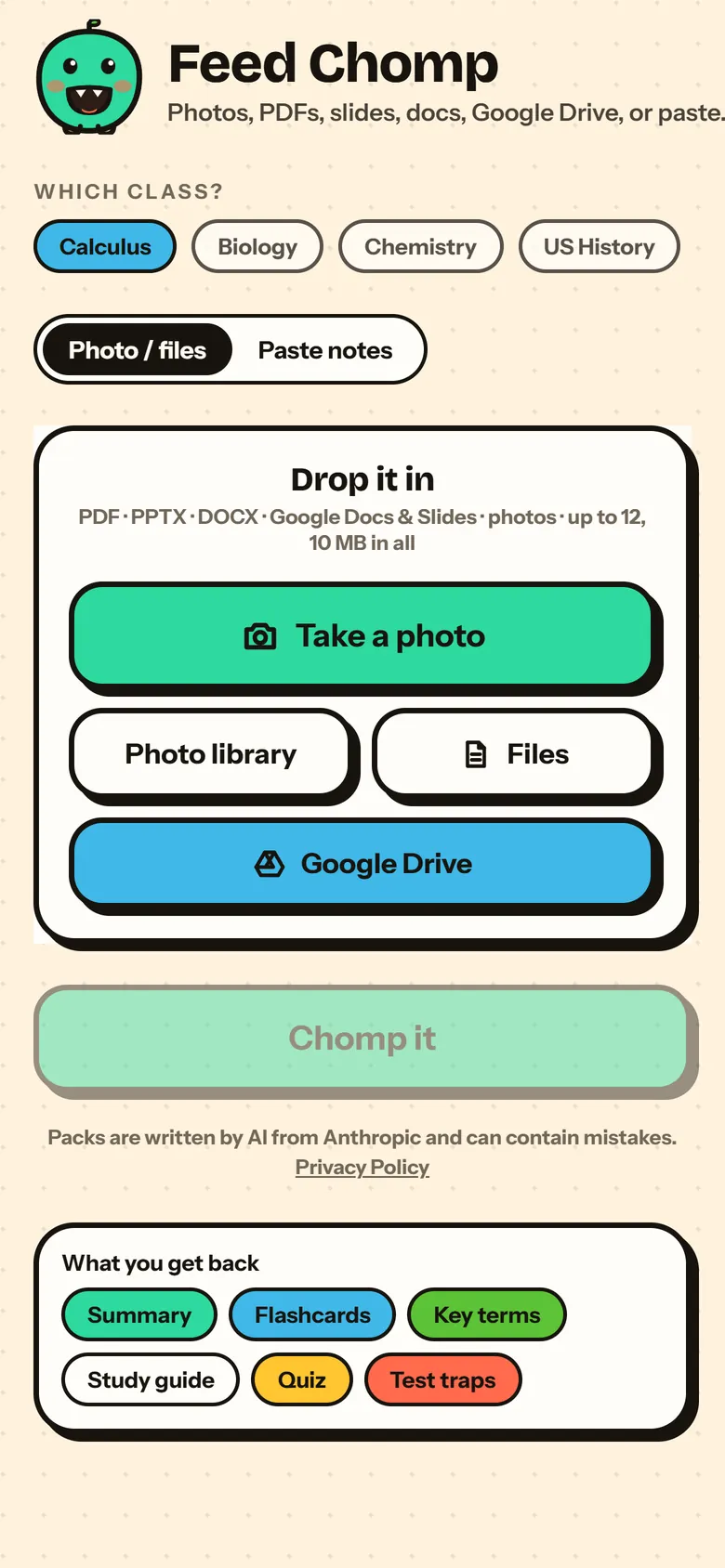
Got the lecture slides as a PDF, or a chapter your teacher posted? Upload it and Chomp makes flashcards, a short summary and the key terms from it, in about a minute.
Free to start, no card needed.
How it works
Upload the PDF.
Lecture slides, a chapter, a study guide or your own notes saved as a PDF. Slides and Word docs work too.
Chomp reads it.
It picks out the ideas and terms worth knowing and turns them into flashcards, a summary and key terms.
Study the cards.
Spaced repetition brings back the ones you miss sooner and spaces out the ones you know.
Why it helps
- A long slide deck becomes a deck of cards you can actually get through.
- Every card comes from the PDF you uploaded, so you study your class's own material.
- Photos of a printed handout work too.
Questions
Is it free?
Yes. Making flashcards from a PDF is free to start, and you don't need a card.
What files work?
PDFs, slides (PPTX), Word docs (DOCX), Google Docs and Slides, photos of your notes, or pasted text.
How big can it be?
Up to 10 MB in one upload.
Who is it for?
High school and college students, 13 and up.
Turn a PDF into flashcards
Free to start, no card needed.