Turn your notes into flashcards
Upload your class notes and Chomp turns them into a deck of flashcards in about a minute. Then it helps the cards stick, with spaced repetition that brings each one back right before you'd forget it.
Free to start, no card needed.
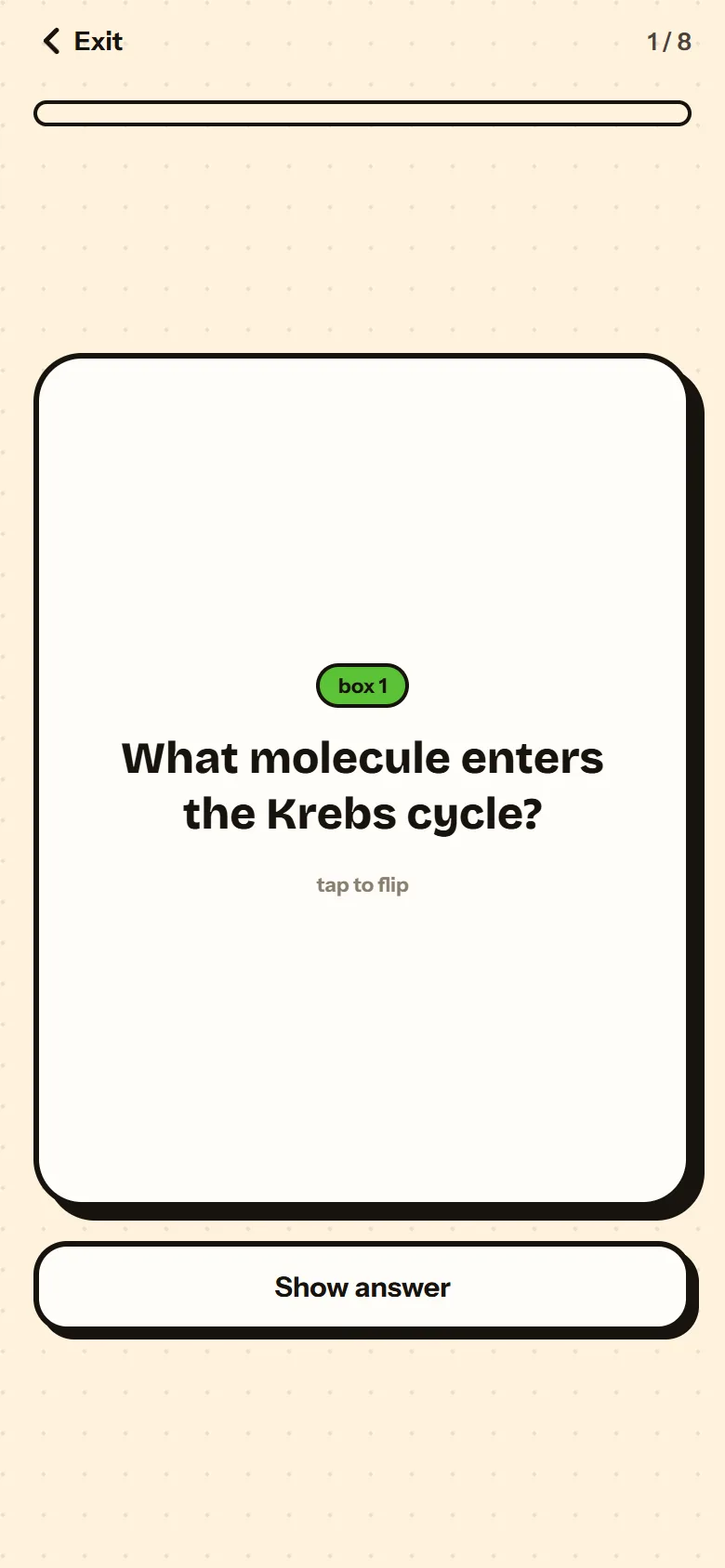
How it works
Add your notes.
A PDF, slides, a Word doc, photos of your notes, a Google Doc or Slides file, or text you paste in.
Chomp makes a study pack.
Flashcards, a short summary and the key terms, all from what you uploaded.
Study the cards.
The ones you miss come back sooner. The ones you know wait longer.
Why it helps
- Making cards by hand takes longer than studying them. Chomp does that part for you.
- Every card comes from your own notes, so you study what your class actually covered.
- A focus timer with background sounds keeps the session going.
Questions
Is it free?
Yes. Making flashcards from your notes is free to start, and you don't need a card.
What can I upload?
PDFs, slides (PPTX), Word docs (DOCX), Google Docs and Slides, photos of your notes, or pasted text.
How long does it take?
About a minute for most notes.
Who is it for?
High school and college students, 13 and up.
Turn your notes into flashcards
Free to start, no card needed.